Welcome! 👋
Ready for a fun practice session? Choose a challenge, use your words, and keep adding stars to your jar.
What do you want to practice?
Short, clear activities with visual support and positive reinforcement.
Today's Snapshot
1-Month Program
Activities
My Routine
Games
Fun attention and visual-language games.
Play, focus, and learn 🧩
These games practice visual attention, scanning, vocabulary, and problem solving. Game trophies are separate from the Friday-surprise stars.
Game trophies earned
🔎 Find the Differences
10 realistic photo games • The LEFT picture is the reference. Find the errors in the RIGHT picture and tap/click only on the RIGHT picture.
🔤 Word Search
Find 15 useful words hidden in a harder 15 × 15 letter grid.
Life Skills Word Search
Drag across a word, or select its first and last letters.
🍬 Candy Match Collection
Eight match games with different themes and difficulty levels.
Progress
0
0
0
Safety & Legal
Privacy, child safety, terms, security and parent rights.
Privacy & Safety Center
Clear information for players, parents and guardians about accounts, data and safe use of Speak With Me! Plus.
Settings
Greeting & Celebration Sounds
Keep the Great Job visual celebration, with the option to remove only greeting and celebration sounds.
Password / Senha
Change the password for this login profile. / Troque a senha deste perfil de acesso.
Speak With Me! Plus
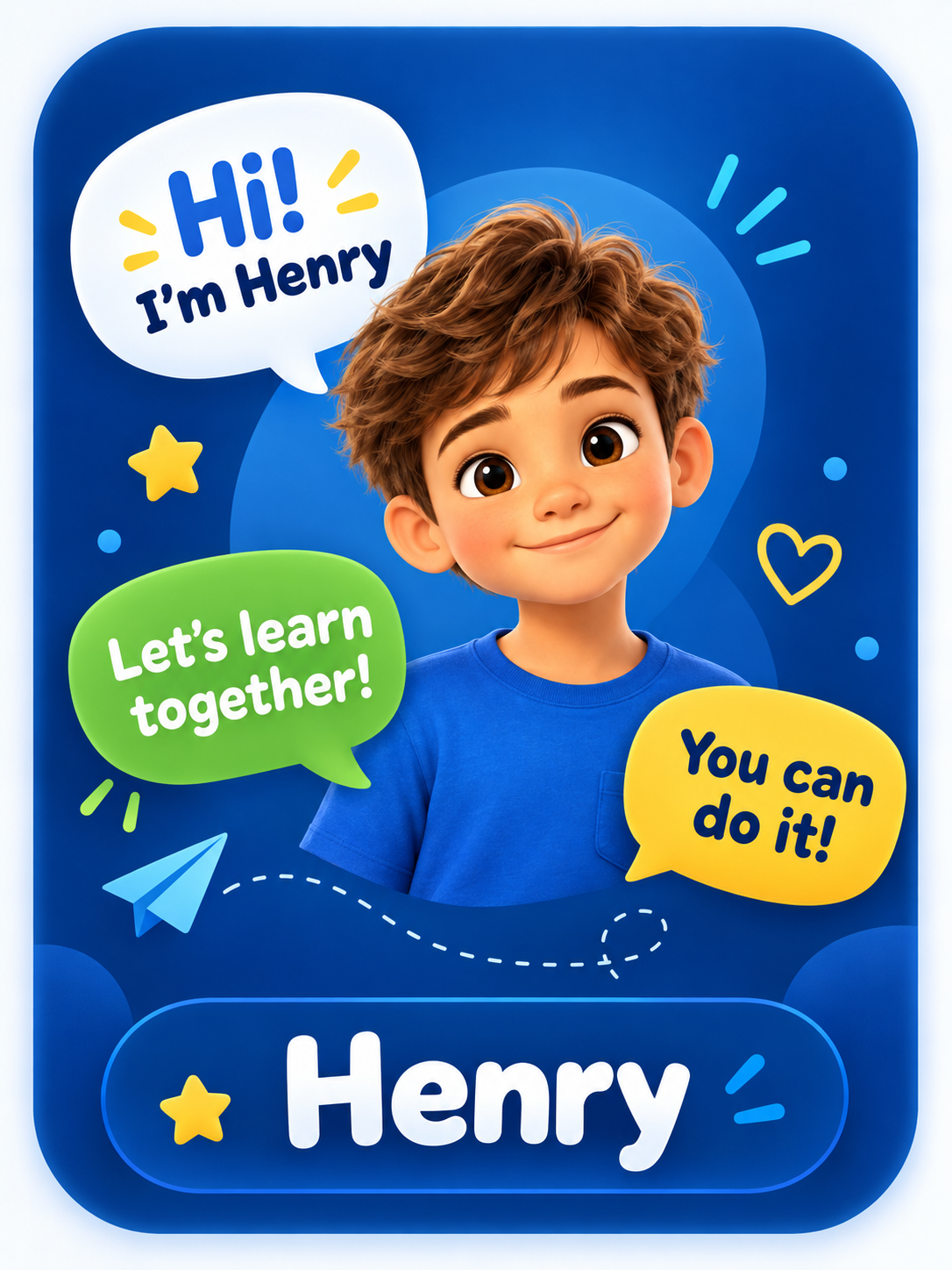
Created with love for Henry. / Criado com amor para o Henry.
Why this app was created
Speak With Me! Plus was born from a very special and real need within our family.
When this application was created, my son Henry was 10 years old. Henry is autistic, Level 2. I wanted to give him a comfortable and motivating way to practice verbal communication without making speaking feel like a difficult obligation.
The idea was to create a friendly environment where communication becomes part of an enjoyable experience. Through visual activities, everyday situations, repetition, challenges and positive rewards, Henry can practice expressing what he wants and needs, build confidence, and gradually develop more independence in communication.
Every part of this application was developed with Henry's needs, interests and progress in mind. More than a game, it is a tool created by a father to encourage his son to speak, learn and grow in a positive, respectful and welcoming way.
Por que este aplicativo foi criado
O Speak With Me! Plus / Fala Comigo! Plus nasceu a partir de uma necessidade muito especial e real da nossa família.
Quando este aplicativo foi criado, meu filho Henry tinha 10 anos. Henry é autista nível 2. Eu queria oferecer a ele uma maneira confortável e motivadora de exercitar a comunicação verbal, sem fazer com que falar parecesse uma obrigação difícil.
A ideia foi criar um ambiente agradável no qual a comunicação faça parte de uma experiência prazerosa. Por meio de atividades visuais, situações do dia a dia, repetição, desafios e recompensas positivas, Henry pode praticar como expressar o que quer e o que precisa, desenvolver confiança e, gradualmente, conquistar mais independência na comunicação.
Cada parte deste aplicativo foi desenvolvida pensando nas necessidades, interesses e evolução do Henry. Mais do que um jogo, é uma ferramenta criada por um pai para incentivar seu filho a falar, aprender e crescer de uma maneira positiva, respeitosa e acolhedora.